To rephrase an email, summarise a note or find the right wording, the free plans of ChatGPT, Gemini, Copilot, Mistral Vibe or Claude are more than enough. What they charge you isn’t money: usage limits, often an account, and, with most of them, the use of your conversations to train their models until you switch the setting off. If you want a free AI that never receives your text, there is another kind: local AI, which runs on your computer.
Everything below was checked on 22 October 2026 on each service’s official pages. These plans change often: the date matters.
Free AI tools compared
| Provider | Account | Free plan limits | Your conversations train the models | |
|---|---|---|---|---|
| ChatGPT | OpenAI, United States | recommended; use without logging in (one conversation, no history) isn’t available everywhere | text advertised as “unlimited” subject to normal use; 3 files a day; ads | yes by default, setting “Improve the model for everyone” |
| Gemini | Google, United States | Google account for most features (history, files) | limits not given in figures, refreshed every five hours up to a weekly limit | yes if “Keep Activity” is on; some chats are reviewed by humans |
| Copilot | Microsoft, United States | optional according to Microsoft, needed for history | not given in figures | yes by default for signed-in accounts (previous app); rules for the new app not published as of 22 October |
| Mistral Vibe (formerly Le Chat) | Mistral AI, France | account | “limited messages and web searches”, no figure | yes by default, setting under Privacy |
| Claude | Anthropic, United States | account, with phone verification by text message | a limit per session, reset every five hours | the user chooses; if they agree, data is kept for 5 years |
Sources, checked on 22 October 2026: OpenAI help (free tier, ads, data controls); Gemini Apps privacy and Gemini limits; Copilot privacy FAQ; Mistral AI pricing and its help on training; Anthropic’s updated consumer terms (28 August 2025) and Claude help.
In substance, these five services do the same things at work: rephrase, proofread, summarise, translate, suggest an outline. The differences are in the limits, the files they accept and what they do with your text, not in the quality of a follow-up email.
What “free” really costs
Your text. At ChatGPT, Mistral Vibe and Copilot (signed-in accounts), the setting that lets them train their models on your conversations is on by default. At Google, activity is kept for 18 months by default, and Google warns: “Please don’t enter confidential information that you wouldn’t want a reviewer to see.” At Anthropic, it’s up to you; if you agree, your data is kept for five years, against thirty days otherwise.
Usage limits. No free plan is unlimited. Most don’t even give a figure: Google talks about “compute-based” limits, Mistral about “limited” messages. OpenAI advertises unlimited text for normal use, but limits files to three a day. When you hit the limit, you wait or you pay.
An account. An account lets you keep your history and upload files, but it links your conversations to your identity. ChatGPT, Gemini and Copilot allow limited use without logging in, depending on the country and the device; Mistral Vibe and Claude require an account.
Ads. OpenAI shows ads in ChatGPT’s free plan. It extended them to 31 European countries, including France, on 18 August 2026, according to its announcement. In the European Economic Area, these ads are not personalised at first, according to its help pages. The Plus, Pro, Business and Enterprise plans have none.
The setting to switch off, service by service
If you use a free online AI, take two minutes to switch off training:
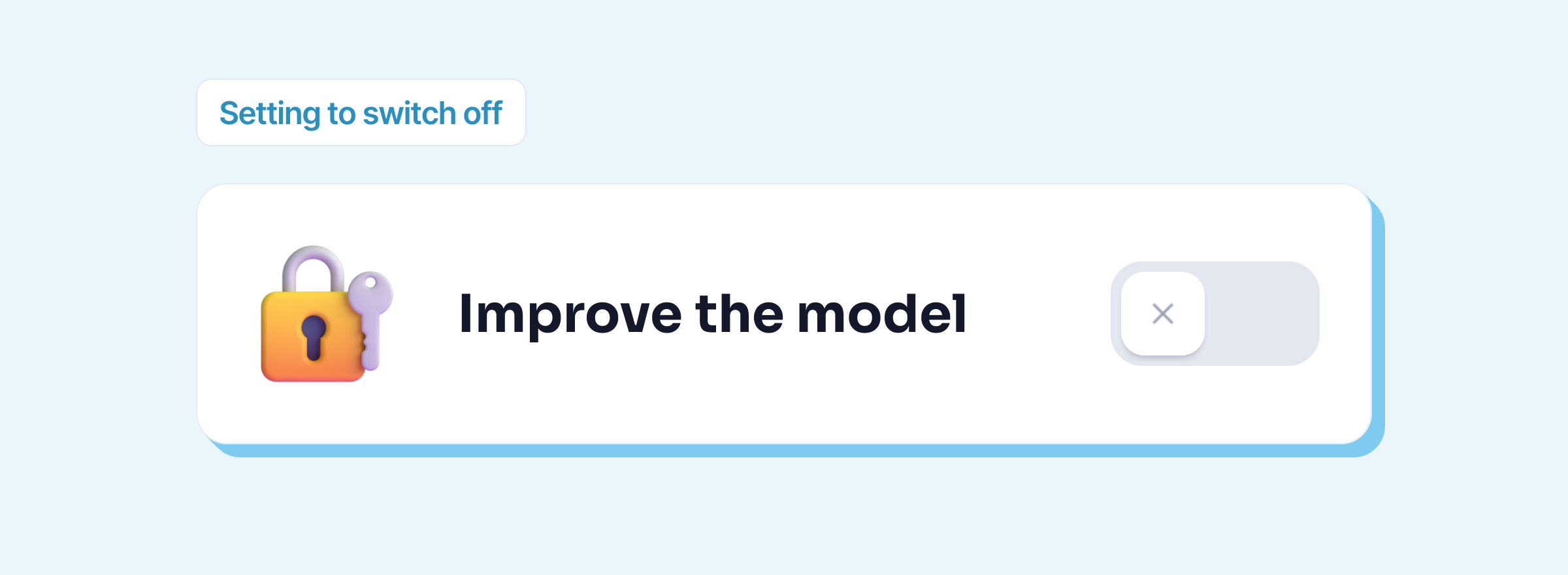
- ChatGPT: Settings, Data controls, turn off Improve the model for everyone. Temporary chats aren’t used for training either, but OpenAI may keep a copy for 30 days for safety.
- Gemini: in your Gemini Apps Activity, turn off Keep Activity. Your future chats are no longer used to train the models; they are still kept in your account for 72 hours.
- Mistral Vibe: on the web, under Privacy, turn off the option that allows training on your chats (“Allow your interactions to be used to train our models”).
- Copilot: in the privacy settings, the toggles for training on text and voice conversations, as Microsoft describes them for the previous app. Microsoft states that you can’t opt out of human review.
- Claude: in the privacy settings, the choice to allow or not the use of your conversations for training.
Switching this setting off doesn’t mean your text isn’t sent or stored: it still goes to the provider’s servers, which keep it for as long as their terms allow.
At work, what you can paste into it
France’s data protection authority, the CNIL, answered this question in July 2024. For work use, a consumer service “may be considered” for non-confidential uses, with a dedicated work email address (not your personal one) and, where possible, data reuse switched off (CNIL questions and answers, in French, 18 July 2024; quotes translated). It adds that you should never share “confidential information such as personal data, company or government data” with it.
In practice:
- Yes: rephrasing a sentence with no names in it, finding a sign-off, proofreading a text meant for publication, preparing an outline.
- No: an email with a customer’s name and situation, a payslip, a contract, internal meeting minutes, a table of unpublished figures.
- First of all: check what your company has already decided. Some ban consumer services; others already pay for a business plan. For example, Copilot Chat is included at no extra cost in eligible Microsoft 365 work subscriptions, with different commitments from consumer Copilot (compared in ChatGPT for business).
The pitfalls of “free” AI
- Websites promising a free, unlimited AI to use right away. Many run on another provider’s models: your text then goes through two companies, and it’s the website’s privacy policy that says what it does with it. Read it before pasting anything.
- Services that store data outside Europe without safeguards. DeepSeek’s privacy policy states that personal data is collected, processed and stored in China (version of 10 February 2026). The Italian data protection authority restricted its processing for Italian users as early as 30 January 2025 (Garante, in Italian).
- Albert, the French government’s AI, isn’t a free AI open to the public: it is reserved for French civil servants (what Albert is).
- Wrong answers. Free or not, an AI can make up a figure, a name or a reference. Read everything that goes out under your name.
Local AI: free, on your computer
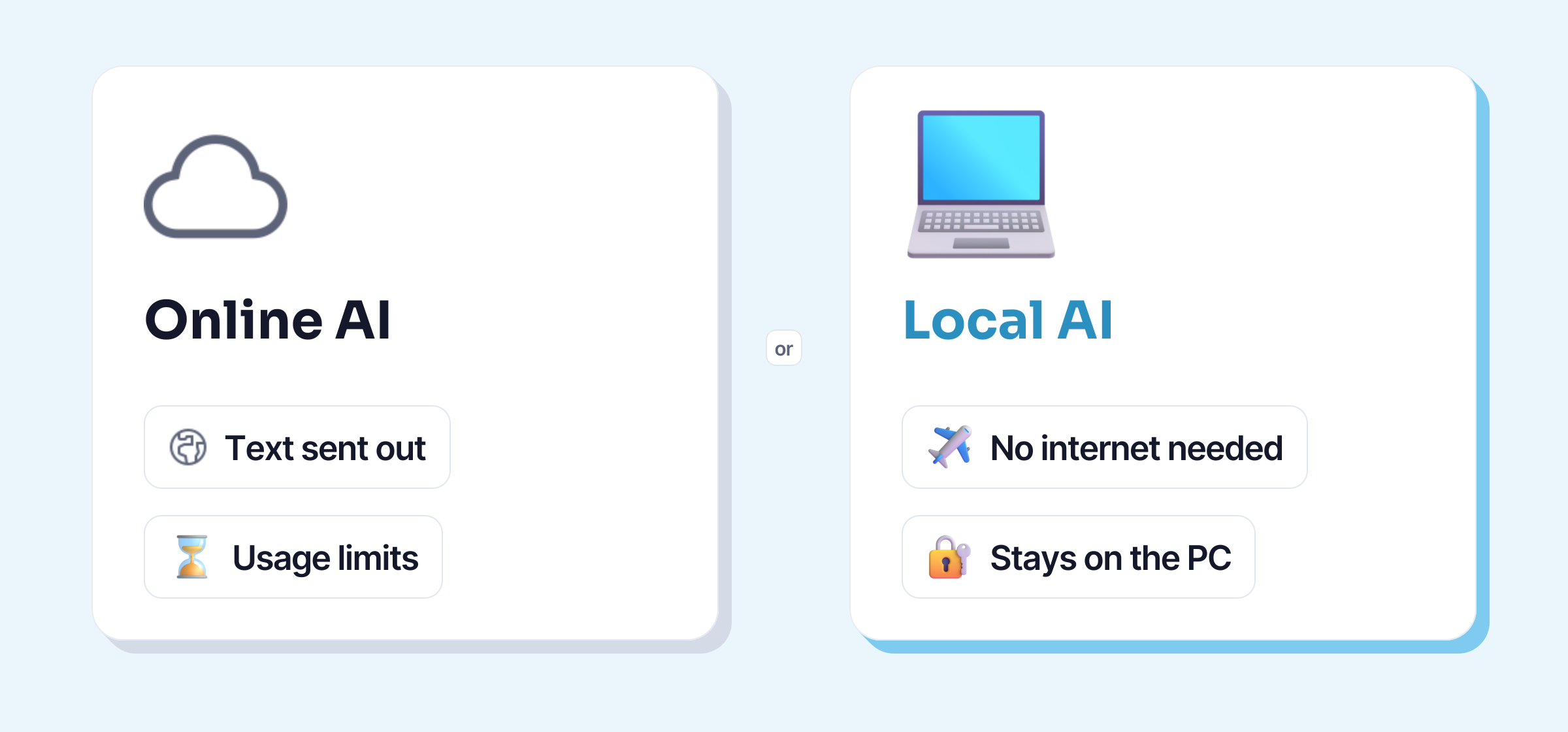
A local AI is an AI model that you download and that runs on your own computer. Your text goes to no server, it works without internet, and there are no usage limits or subscriptions. Several free programs make this possible:
| Licence | Use at work | Systems | Memory stated by the publisher | |
|---|---|---|---|---|
| Ollama | MIT (open source) | yes | Windows 10 and 11, macOS 14 and later, Linux | not stated |
| LM Studio | free, not open source | yes, free for work use since 8 July 2025 | Windows, Apple Silicon Macs (no Intel Macs), Linux | 16 GB recommended |
| Jan | Apache 2.0 (open source) | yes | Windows 10 and later, Mac, Linux | 8 GB minimum, 16 GB recommended (Windows) |
| GPT4All | MIT (open source) | yes | Windows, macOS, Linux | not stated; latest version in February 2025 |
Checked on 22 October 2026 on ollama.com, lmstudio.ai, jan.ai and each project’s official repositories.
The limits, honestly:
- You need a computer that can handle it. An AI model takes up several gigabytes of memory. On a modest office PC, it will be slow, or won’t run.
- The models are smaller. A model that fits on a laptop is less capable than those behind ChatGPT or Gemini. For proofreading, rephrasing or summarising an email, it’s often enough; for a long analysis, much less so.
- These programs take a bit of setting up: choosing and downloading a model, then copying and pasting your text into their window.
Keypop makes the same bet, without the separate window: on the free plan, you select your text in Word, Outlook or your browser, press Alt + K, and local AI proofreads or rephrases it, on your computer, with no limit. All you need is a free account with your email, Windows 10 or 11 or Linux, and at least 8 GB of memory.
Which free AI is right for you?
- You just want to rephrase an email now and then, with nothing confidential: any of the five, with the training setting switched off and your work email address.
- Your company has Microsoft 365: ask whether Copilot Chat is switched on for your work account before opening a personal account elsewhere.
- You prefer a European company: Mistral Vibe, from Mistral AI in Paris, with data hosted in the EU by default; switch off training, which is on by default. Other players are covered in French AI.
- You work on texts that must not leave the company: a local AI on your computer, or a business plan chosen by your company.
To go further with AI that runs on your computer: the local and free resources.