Resources
AI at work, without the jargon.
Short, practical guides to proofread, rephrase and reply faster without exposing your data. For small businesses and anyone who spends the day in Outlook and Word.
 Fast
FastHow to write a professional email: structure and example
Subject line, greeting, body, sign-off, signature: how to write a clear professional email, the mistakes to avoid, and a before-and-after example.
· 6 min read
 Sovereign
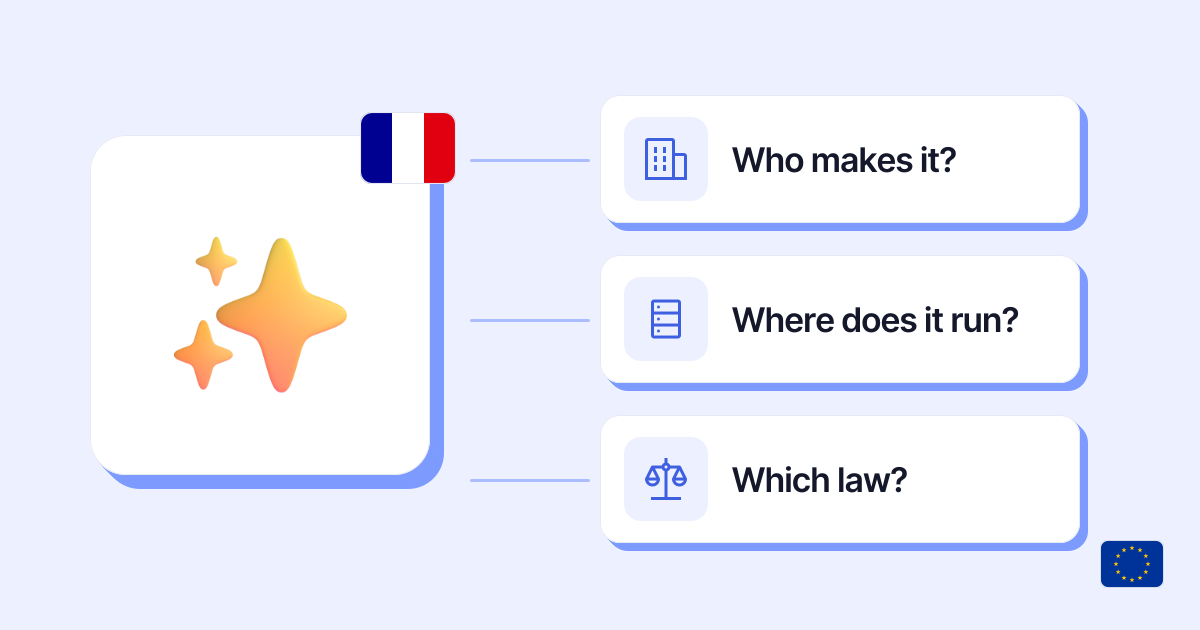
French AI: who makes it, where it runs, what it guarantees
Mistral, LightOn, Albert: French and European AI in 2026, what “French” does and doesn’t guarantee (company, hosting, law), and how to choose.
· 8 min read
 Fast
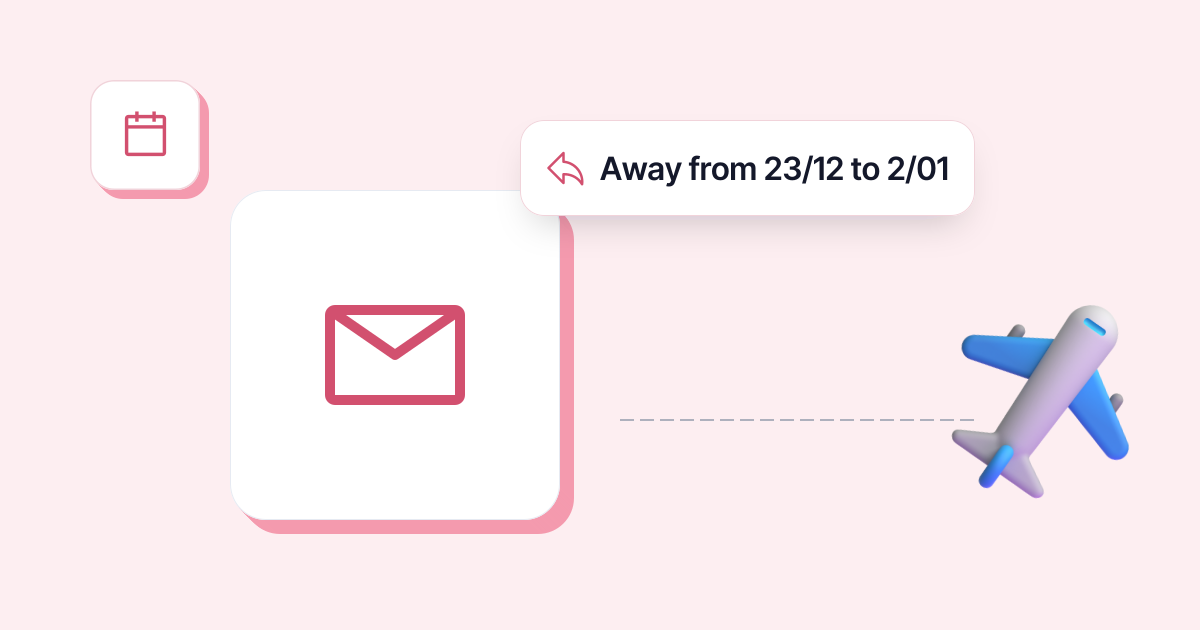
FastOut of office in Outlook: set it up, plus 5 templates
Turn on automatic replies in new Outlook, classic Outlook or Outlook on the web, step by step, then copy one of 5 ready-made out of office messages.
· 5 min read
 Sovereign
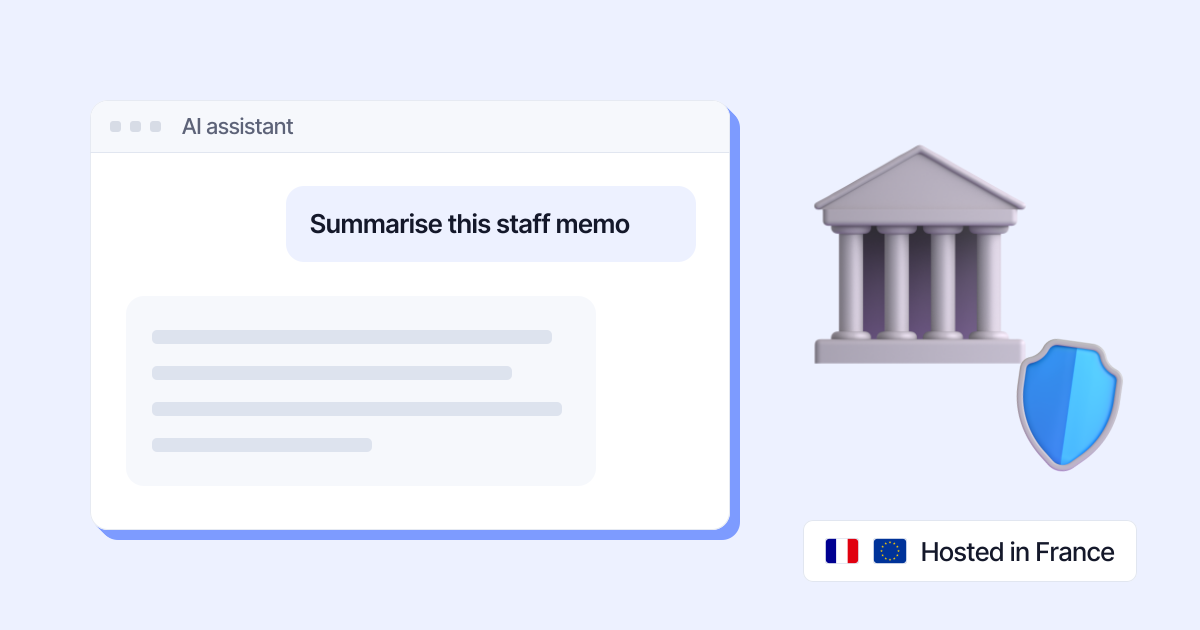
Albert AI: the French government’s AI, and who can use it
Albert, the French government’s AI for public servants: what it is in 2026, who can use it, which models it runs, where data goes, and what to use instead.
· 6 min read
 Confidential
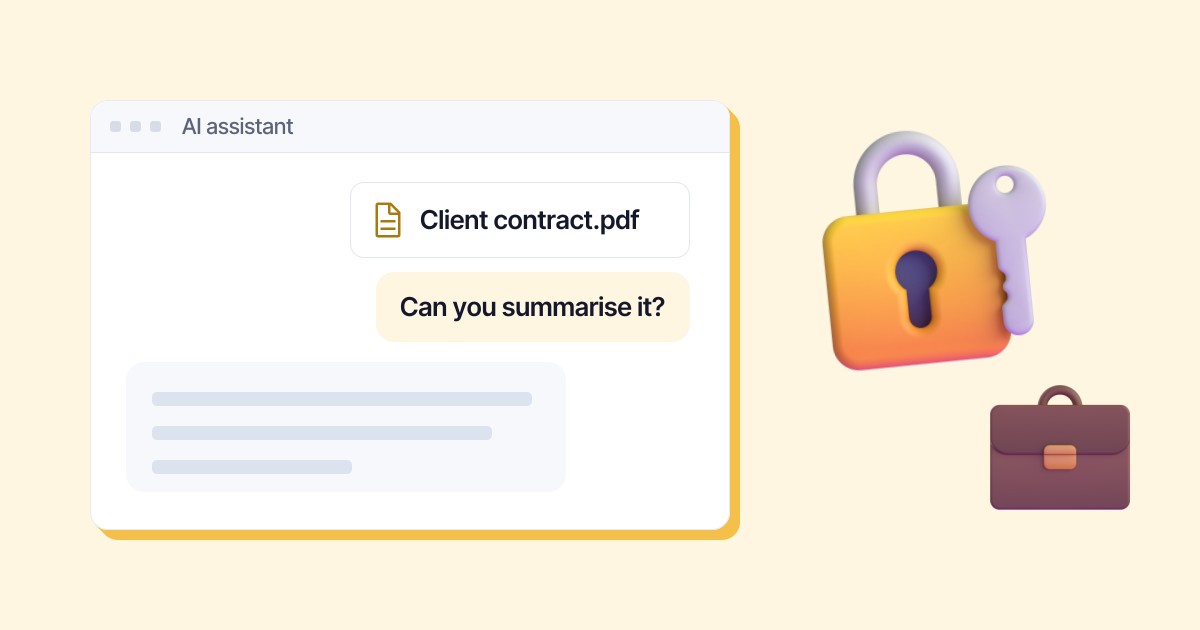
ChatGPT for business: plans, prices and data protection
ChatGPT Business or Enterprise for your team? Prices checked in October 2026, model training, storage in Europe: what’s guaranteed and what isn’t.
· 5 min read
 Fast
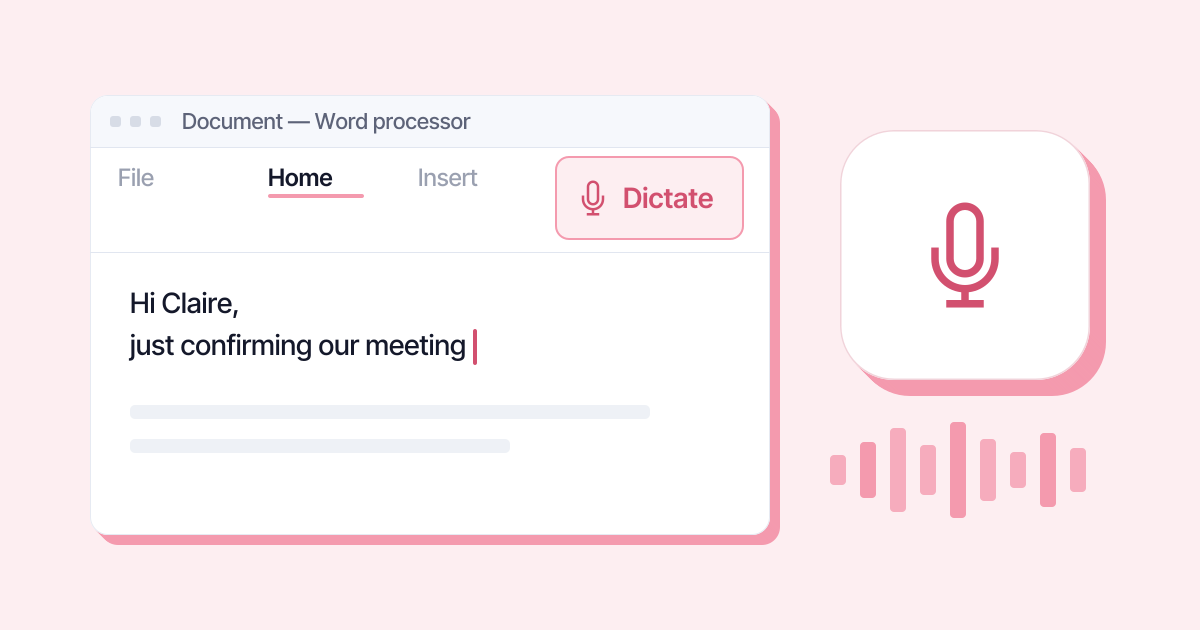
FastHow to dictate in Word: turn on Dictate in 3 steps
Word’s Dictate button step by step, the words to say for punctuation in English, and what to do when the button is greyed out or missing from your ribbon.
· 4 min read