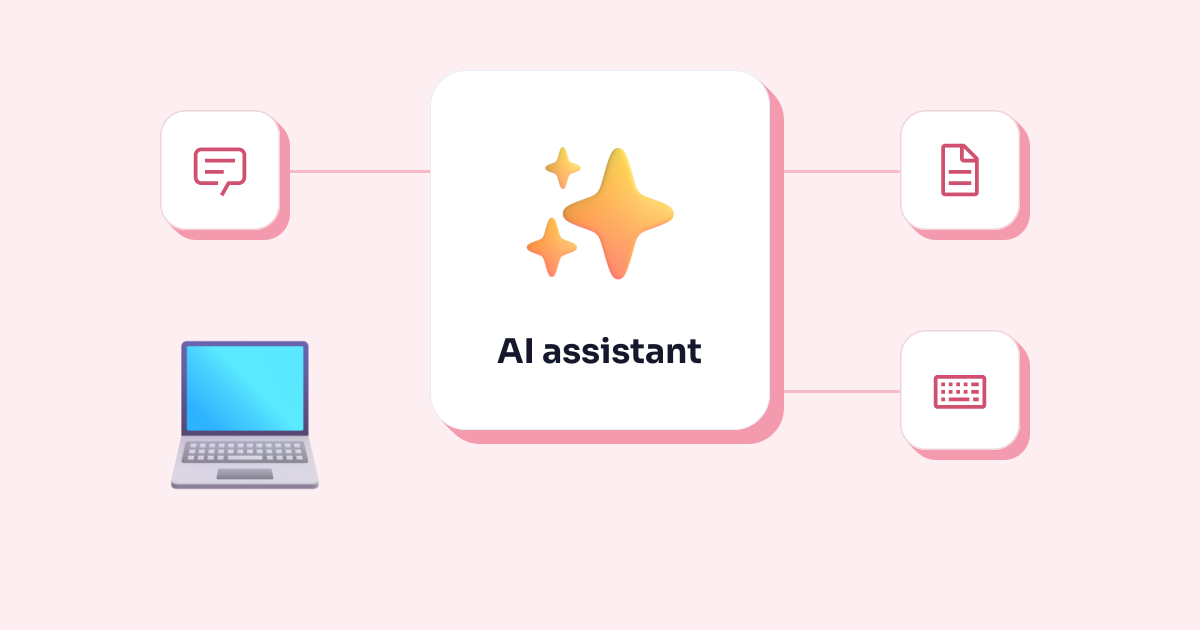
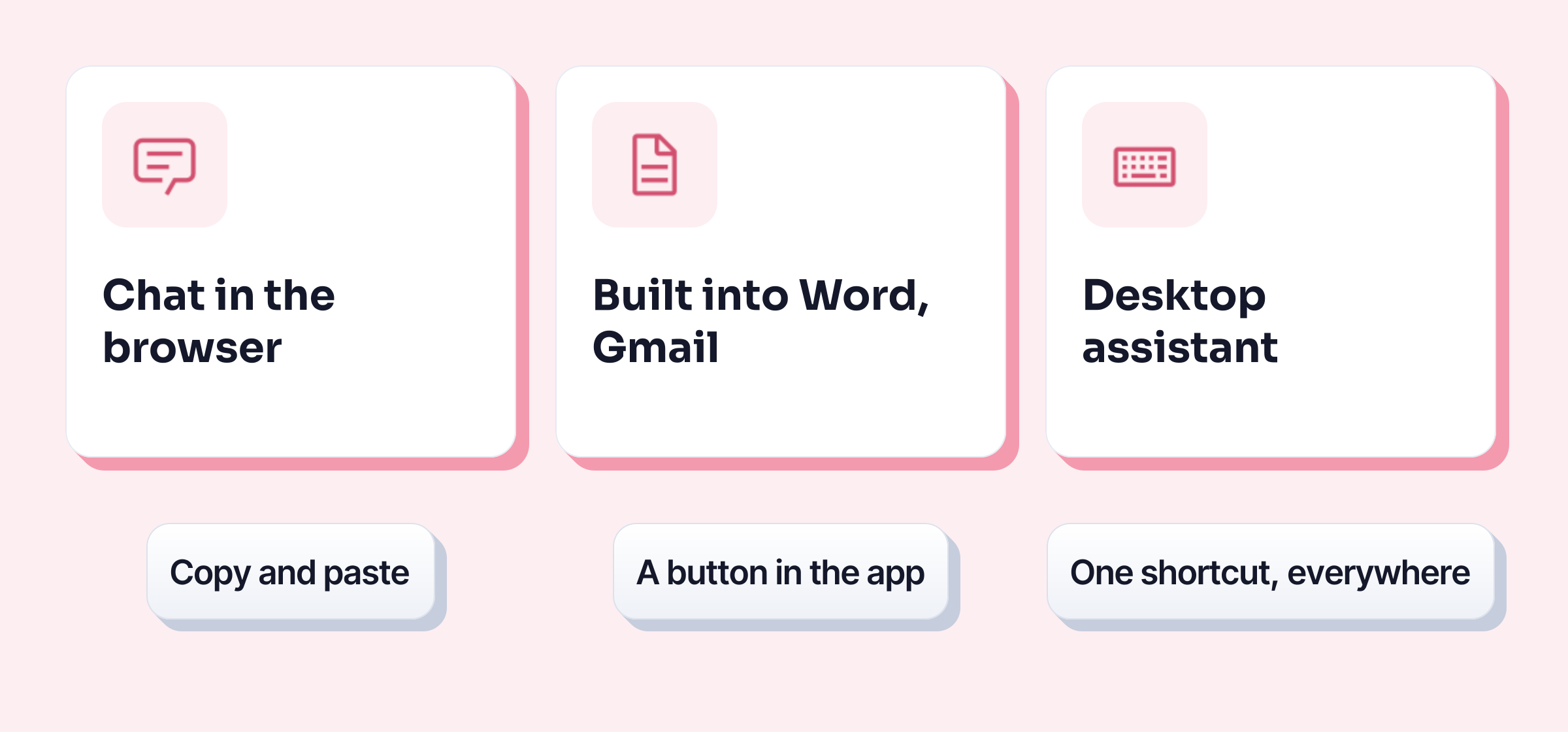
An AI assistant is software that understands an instruction written in everyday language (“make this email more polite”, “summarise these minutes”) and helps you write, proofread, rephrase, summarise or find information. At work there are three kinds: the chat in your browser, the assistant built into your office suite, and the desktop assistant you call up with a shortcut in any app. To choose, three questions are enough: what happens to your text, where it is processed, and what it really costs.
What an AI assistant actually does at work
The tasks where it saves time are all about writing and reading:
- Proofreading the spelling and grammar of an email or a report.
- Rephrasing a sentence that is too blunt, too long or too casual.
- Summarising a long email thread, meeting minutes or a document in a few bullet points.
- Writing a first draft from rough notes: an email, a follow-up, an announcement. The basics to check afterwards are in how to write a professional email.
- Replying to an email from a short instruction (“accept, but suggest Thursday instead”).
- Dictating instead of typing, then tidying up the text (see dictation in Word).
What it doesn’t do: guarantee that what it writes is true. An AI assistant produces plausible text, not checked text. It can make up a figure, a date or a reference with the same confidence as a real fact. The CNIL, France’s data protection authority, asks users to keep a critical eye on the answers and check that they are accurate (CNIL questions and answers, in French, 18 July 2024). The rule of thumb: you remain the author, the assistant makes suggestions.
The three kinds of AI assistant
| The chat in your browser | The assistant in your office suite | The desktop assistant | |
|---|---|---|---|
| Where it lives | a separate website or app | inside Word, Outlook, Gmail, Docs… | on your computer, in all your apps |
| How you use it | you copy your text, paste it, then copy the answer back | a button or a panel in the software | you select your text and press a shortcut |
| What it sees | what you paste into it | depending on the plan, your emails, files and meetings | the text you select |
| Examples | ChatGPT, Mistral Vibe | Microsoft Copilot, Gemini in Google Workspace | Apple’s Writing Tools, Keypop |
The chat in your browser
This is the best-known kind: ChatGPT from OpenAI, Mistral Vibe from Mistral AI (formerly called Le Chat), and others. You open a website, type your request and paste your text. It is the most versatile: it can answer a question, draft an outline or summarise a PDF.
Its everyday drawback is the back-and-forth: copy, switch windows, paste, wait, copy back. And every text you paste goes to the provider, under the terms of your account (see the criteria below). In France, civil servants have their own tool of this kind, L’Assistant, which isn’t open to businesses (what to know about Albert).
The assistant built into your office suite
Microsoft Copilot (the new name of Microsoft 365 Copilot, according to Microsoft) lives in Word, Excel, PowerPoint, Outlook and Teams. Gemini does the same in Gmail, Docs, Sheets and Meet for businesses on Google Workspace. No copy and paste: the button is in the software.
Its strength is context. In its full version, Copilot can draw on your emails, calendar, meetings and documents, while respecting each person’s access permissions (Microsoft documentation, updated in October 2026). Its limit: it only works inside its own publisher’s suite. Copilot won’t help you in your industry software or your online CRM, and the decision is often made at company level, not by each person.
The desktop assistant, with a shortcut
The third kind is a small app installed on your computer that works wherever you write: in Outlook, in your browser, in Teams or in your industry software. You select some text, press a shortcut and choose the action.
On a Mac, Apple Intelligence’s Writing Tools work this way: they proofread, rewrite or summarise the selected text in most text fields, from the shortcut menu. Apple notes that Apple Intelligence isn’t available in all languages or regions (Apple Support). Keypop, the app that publishes these pages, belongs to this kind, on Windows and Linux.
Three questions to ask before you choose
Is my text used to train the AI?
This is the clearest difference between consumer and business plans. On ChatGPT’s personal accounts (Free, Plus, Pro), OpenAI may train its models on your conversations unless you switch off the model improvement setting; the Business and Enterprise plans don’t by default. At Mistral, training is on by default for the Free, Pro and Team plans, and you can opt out. Microsoft writes that prompts, responses and data accessed through Microsoft Graph “aren’t used to train foundation LLMs” used by Copilot. Google writes that Workspace “does not use customer data for training models without customer’s prior permission or instruction”.
Where is it processed?
A cloud assistant sends your text to its provider’s servers. For a European customer, Microsoft commits to keeping Copilot traffic within its EU Data Boundary, with two exceptions it states itself: web search, and the Anthropic models it also offers in Copilot (enterprise data protection). At OpenAI, storing data in Europe is reserved for the Enterprise plan. Google’s privacy page for Gemini in Workspace (updated on 6 October 2026) doesn’t give a processing region.
A local assistant does the work on your computer: your text goes nowhere. For personal data and sensitive documents, this is what the CNIL considers “more appropriate and more secure”: an “on-premises” solution.
The provider’s country matters too: OpenAI, Microsoft and Google are American groups, Mistral AI is a French company. What that changes legally is explained in ChatGPT for business.
How much, really?
Checked on 22 October 2026 on the providers’ official pages; euro prices are those shown for France. OpenAI’s pages blocked automated access that day, so its prices come from the same-day check published in ChatGPT for business.
| Assistant | Price | Training on your text | Provider |
|---|---|---|---|
| ChatGPT, personal accounts | free; Plus $20 a month | yes, unless you switch it off | OpenAI, United States |
| ChatGPT Business | $20 per seat per month billed yearly, $25 billed monthly | no, by default | OpenAI, United States |
| Mistral Vibe | free (limited); Pro $14.99 excl. tax a month; Team $24.99 excl. tax per user per month | yes by default, can be switched off | Mistral AI, France |
| Microsoft Copilot Chat | no extra cost for work accounts with a Microsoft 365 subscription | no | Microsoft, United States |
| Microsoft 365 Copilot Business | €18.20 excl. VAT per user per month billed yearly (€15.60 on promotion until 31 December 2026), on top of a Microsoft 365 Business subscription | no | Microsoft, United States |
| Gemini in Google Workspace | included in the subscription: Business Starter €6.80 (Gmail only), Business Standard €13.60 excl. VAT per user per month, billed monthly | no, without permission | Google, United States |
Sources: Microsoft Copilot pricing for small businesses (in French), Google Workspace pricing (in French), Gemini in Workspace privacy hub, Mistral AI pricing (shown in dollars by default), OpenAI help on data use. Microsoft also states that some advanced Copilot features are billed by usage, on top of the licence.
Which assistant for which use?
- You want occasional help, on texts with nothing confidential. A chat in your browser is enough. The CNIL considers this kind of service acceptable at work with a dedicated work email address and data reuse switched off. Don’t paste customer data or internal documents into it.
- Your company already uses Microsoft 365 or Google Workspace. Start with what is already paid for: Copilot Chat, or Gemini in your Workspace plan. Ask your IT department what is switched on before installing anything else.
- You write in lots of different tools (industry software, online CRM, internal messaging). A desktop assistant with a shortcut follows you everywhere, whereas a suite’s assistant stops at its own software.
- You handle sensitive data (HR, health, customers, professional secrecy). Go for what the CNIL recommends, a solution that runs on your own machines, and talk to your DPO.
- You work for the French government. Look first at L’Assistant from DINUM, the French government’s digital agency, free for eligible departments.
The limits of every AI assistant
- They make mistakes, and nothing in the tone of the answer tells you so. Read everything that goes out under your name, especially figures, dates and names.
- They don’t replace your company’s rules. The CNIL advises organisations to write down a list of allowed and banned uses and to train their teams before rolling out a tool.
- Plans change fast. The prices and names in this table changed several times in 2026: always check the provider’s page on the day you choose.
And where does Keypop fit in?
Keypop is a desktop assistant: you select your text in any app, press Alt + K, and choose to proofread, rephrase or summarise it. Local AI is free and runs on your computer; all you need is a free account with your email.