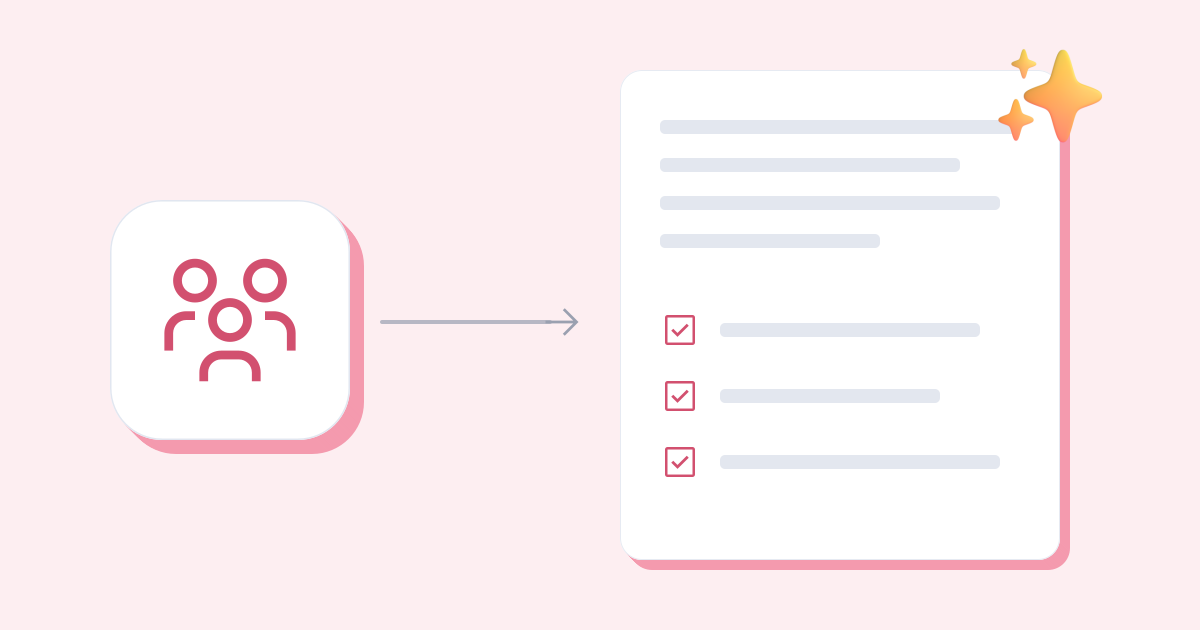
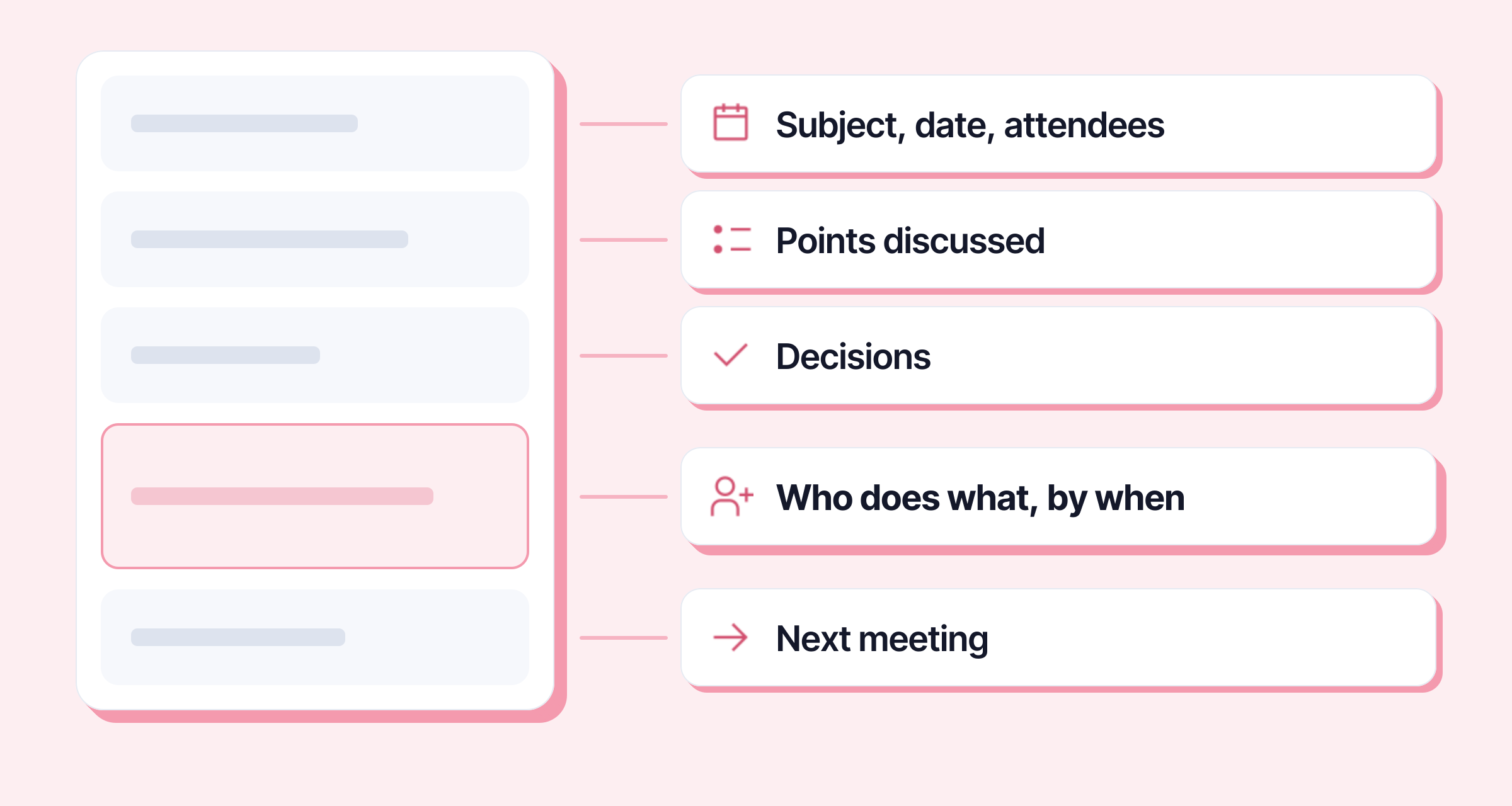
Meeting minutes say on one page what was decided, who does what, and by when. They have five blocks: the subject, date and attendees; the points discussed; the decisions; the action items, each with an owner and a deadline; the next meeting. The template below can be pasted into an email or a document, and should go out the same day or the next.
Meeting minutes template to copy
Minutes – [Meeting subject]
Date: [day, date], [time] to [time], [room or video call]
Attendees: [First Last (team)], [First Last (team)]
Apologies: [First Last]
Minutes taken by: [First Last]
1. Points discussed
- [Topic 1]: [one or two sentences on what was said]
- [Topic 2]: [one or two sentences]
2. Decisions
- [Decision 1]
- [Decision 2]
3. Action items
- [Action]: [Owner], by [date]
- [Action]: [Owner], by [date]
4. Open questions
- [Question still open]: [who will answer it]
Next meeting: [date, time, place]
A filled-in example
Minutes – New website launch
Date: Tuesday 3 November 2026, 10:00 to 11:00, Garonne room
Attendees: Claire Martin (management), Karim Benali (communications), Julie Roux (sales)
Apologies: Marc Petit (IT)
Minutes taken by: Karim Benali
1. Points discussed
- Schedule: the agency can deliver a first version on 15 December.
- Content: the current product pages need rewriting, as there is no room for the new photos.
- Budget: the quote received is €2,000 over the planned budget, because of the English translation.
2. Decisions
- The English translation is postponed to the first quarter of 2027.
- Julie approves the product pages before they go live.
3. Action items
- Request a quote without the translation: Karim, by 6 November
- Rewrite the first ten product pages: Julie, by 20 November
- Check the agency’s access to the hosting: Marc, by 13 November
4. Open questions
- Who writes the legal notice? Claire is asking the legal team.
Next meeting: Tuesday 17 November, 10:00, Garonne room
The example is made up, but it shows the essentials: every action item has a name and a date, and Marc, who wasn’t there, knows what is expected of him without having to ask.
How to write meeting minutes, in 5 steps
- Before: set up the skeleton. Copy the template, fill in the subject, the date, the people invited and the agenda items. During the meeting, you only have to complete it.
- During: note decisions and actions, not sentences. No need to follow every exchange. When a decision is made, write it down; when someone says “I’ll handle it”, note who, what and by when. If nobody gives a date, ask for one there and then.
- Right after: tidy up while it’s fresh. One sentence per point discussed, in the present or past tense, without “X said that Y thought that…”. Individual opinions don’t belong there, unless a disagreement needs settling later.
- Read it as someone who wasn’t there. A person who missed the meeting should understand what was decided and what is expected of them. Explain acronyms and project nicknames once.
- Send it the same day or the next, to everyone invited, attendees and apologies alike. Put the minutes in the body of the email rather than in an attachment: they will get read. A clear subject line helps people find it again: “Minutes: website meeting 4 Nov – action items”. The rest of the email follows the rules of a professional email.
Do you take your notes in Word? You can also dictate them right after the meeting: dictation in Word is faster than typing for a first draft.
Minutes, decision log, formal minutes: what’s the difference?
| Document | What it contains | For which meeting |
|---|---|---|
| Meeting minutes | points discussed, decisions, action items; free format | team meeting, project meeting, client meeting |
| Decision and action log | only the decisions and action items, without the discussion | short, recurring meeting, steering committee |
| Formal minutes | deliberations and votes, often approved and then signed | official body: general meeting, board of directors, works council (the CSE, in a French company) |
The formal minutes of a governing body have their own rules (who writes them, who signs them, how they are approved): you’ll find them in the body’s articles or standing rules, not in a template found online.
For a weekly team meeting, a decision and action log is often enough: three lines are better than a page nobody reads.
Summarise your notes with AI
The longest part is often going from two pages of scribbled notes to clean minutes. A summary does the first sort.
- Ask for three key points, keeping the decisions, requests, figures and deadlines. If you use an online tool, avoid pasting confidential notes into it.
- Then file each point under the template’s headings: decided, to do, open.
- Fill in what’s missing. If an action has no owner or date in your notes, a summary can’t make them up: it’s a sign you need to settle them, by email or at the next meeting.
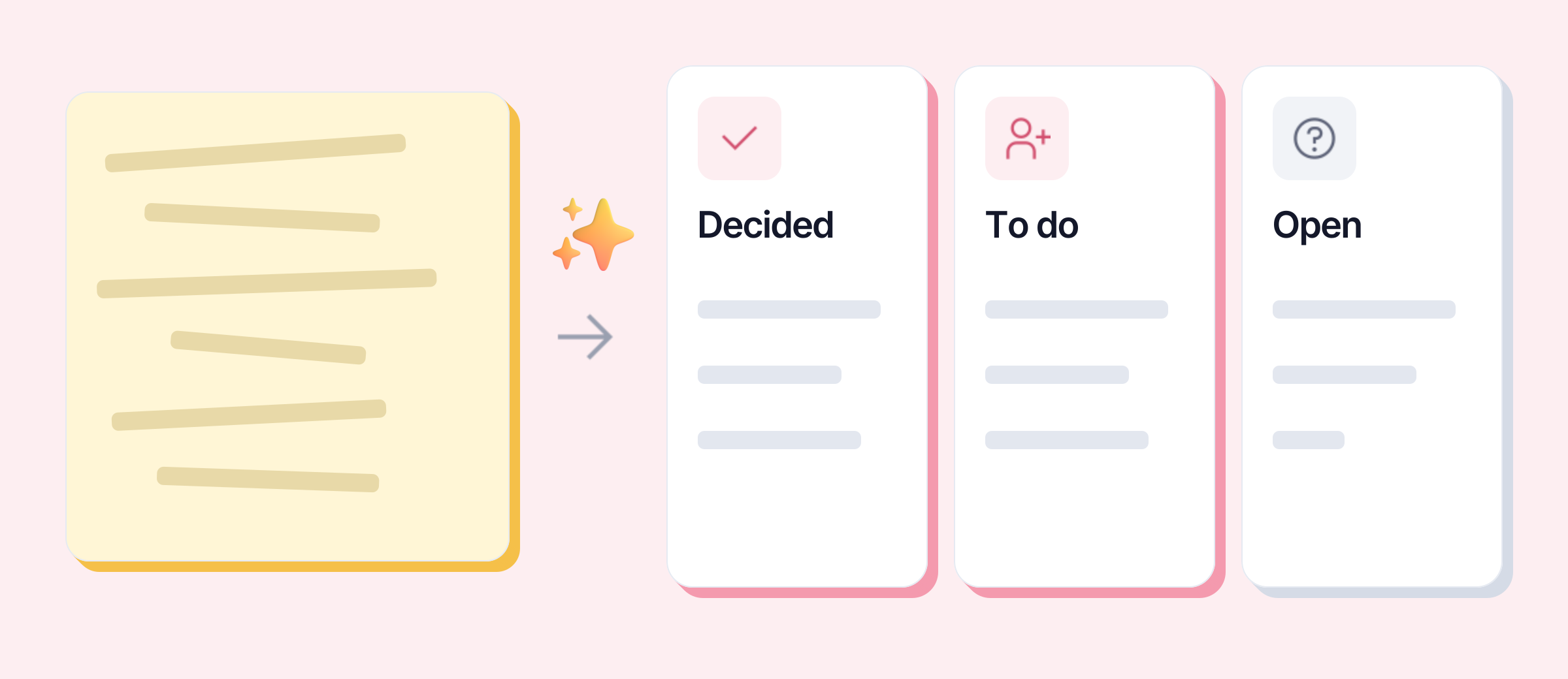
To do it without leaving Word or your notes app, select your notes, press Alt + K and ask for a summary: Keypop turns them into three to five bullet points, with the figures, dates and names exactly as you wrote them. Local AI runs on your computer, for free; all you need is a free account with your email.
The mistakes that make minutes useless
- The transcript. Four pages of minutes recounting who said what won’t get read. Keep what commits people to the next steps.
- Action items with no owner. “Someone should chase the agency” will be done by no one. Write a name.
- Vague deadlines. “Soon” or “in the next few days” can’t be tracked. Write a date.
- Sending them a week later. Attendees no longer remember, and the action items are already a week late.
- Forgetting the people who sent apologies. They need the minutes most.
- Typos in names and amounts. A last spell check before sending stops those from being all anyone remembers.
To see what else an AI assistant can do at the office (proofread, rephrase, reply to an email), the AI assistant guide covers it all.